Lesson content
Read, practise, then check your understanding
A workflow maps meaningful states and allowed transitions. Statuses describe where work is; transitions describe how it moves. Conditions restrict availability, validators check required data, and post functions perform follow-up actions.
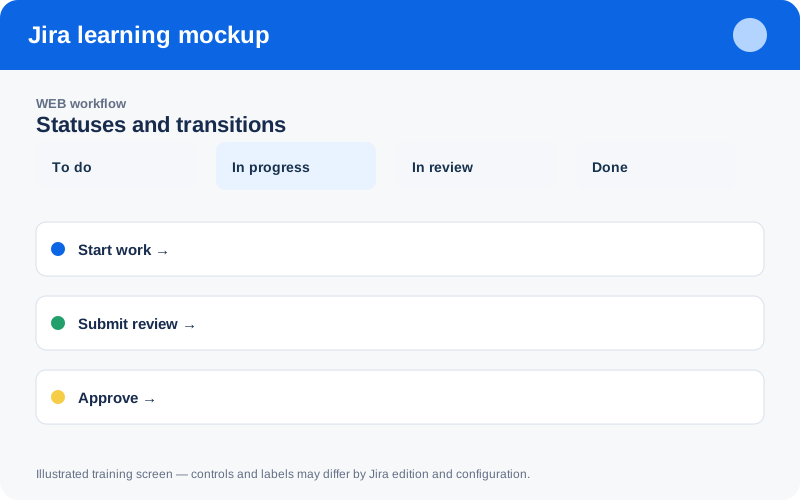
Illustrated training screen. Jira labels and controls can differ between Cloud, Data Center, company-managed, and team-managed projects.
Step-by-step
- Map the real lifecycle on paper before configuring Jira.
- Keep only statuses that change ownership, policy, or reporting meaning.
- Name transitions as actions such as Start work or Approve.
- Add validators only for information required at that decision point.
- Publish in a sandbox, migrate existing items carefully, and review transition analytics.
Worked example
Example: To Do → In Progress → In Review → Done is clearer than multiple statuses that all mean “someone is working.” A rejected review can return to In Progress with a required reason.
Practice task
Recreate the example in a sandbox project, record what you changed, and explain which team decision the configuration supports. Never experiment with production permissions, workflows, or automation without an approved change plan.
Knowledge check
Answer every question correctly to complete this chapter.
0 of 10 checks passed
Your progress is saved on this device.