Lesson content
Read, practise, then check your understanding
Boards visualize work selected by a saved filter. Scrum boards organize a backlog and active sprint; Kanban boards emphasize continuous flow and work-in-progress limits. Columns map to workflow statuses, not merely visual labels.
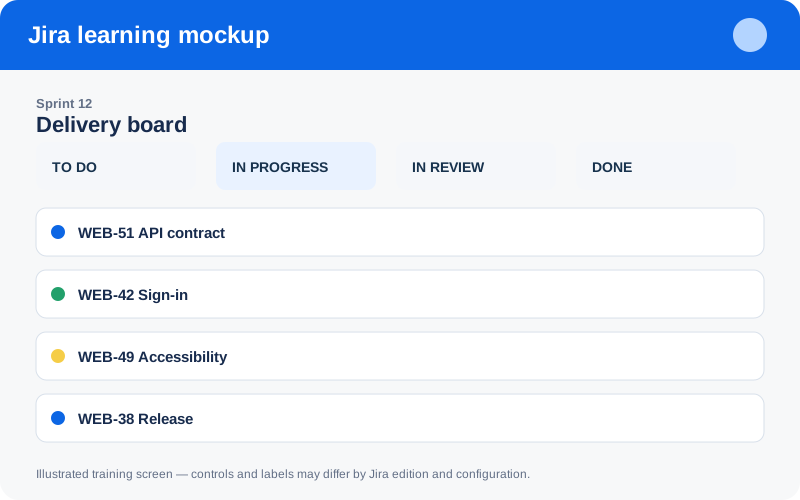
Illustrated training screen. Jira labels and controls can differ between Cloud, Data Center, company-managed, and team-managed projects.
Step-by-step
- Create or select the saved filter defining board scope.
- Map every relevant workflow status to exactly the intended column.
- Choose Scrum for timeboxed planning or Kanban for continuous pull.
- Configure card fields, quick filters, and swimlanes for useful decisions.
- For Kanban, set WIP limits and discuss blocked/aging cards daily.
Worked example
Example filter: project = WEB AND resolution IS EMPTY ORDER BY Rank ASC. If a status is unmapped, work can disappear from the board while still existing in the project.
Practice task
Recreate the example in a sandbox project, record what you changed, and explain which team decision the configuration supports. Never experiment with production permissions, workflows, or automation without an approved change plan.
Knowledge check
Answer every question correctly to complete this chapter.
0 of 10 checks passed
Your progress is saved on this device.