Lesson content
Read, practise, then check your understanding
Integrations reduce context switching by connecting work to documentation, code, deployments, and conversations. Confluence pages can hold requirements; development integrations attach branches and pull requests; Slack can notify and create work; webhooks connect custom systems.
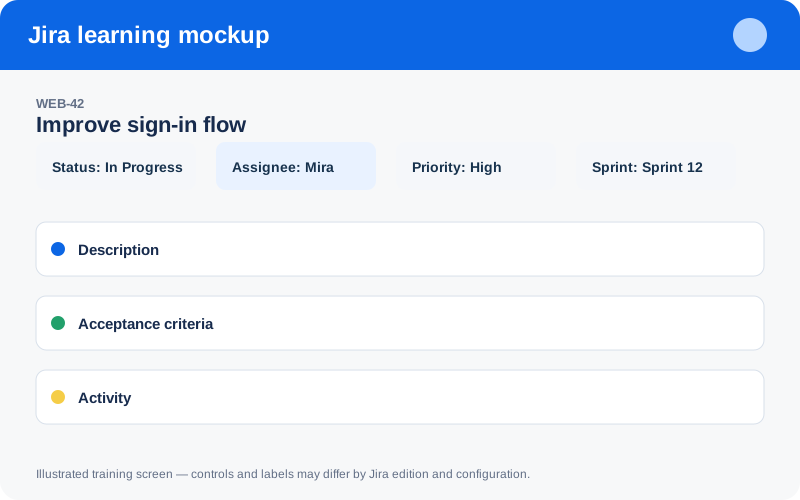
Illustrated training screen. Jira labels and controls can differ between Cloud, Data Center, company-managed, and team-managed projects.
Step-by-step
- Define the decision or handoff the integration should improve.
- Use official supported connectors and least-privileged service accounts.
- Standardize work-item keys in branch, commit, and pull-request naming.
- Route notifications to purposeful channels and suppress noisy events.
- Test failure, revocation, secret rotation, and audit behavior.
Worked example
Example branch: feature/WEB-42-password-reset. The key lets Jira associate development activity. Never paste access tokens into descriptions or automation smart values.
Practice task
Recreate the example in a sandbox project, record what you changed, and explain which team decision the configuration supports. Never experiment with production permissions, workflows, or automation without an approved change plan.
Knowledge check
Answer every question correctly to complete this chapter.
0 of 10 checks passed
Your progress is saved on this device.