Lesson content
Read, practise, then check your understanding
Custom fields capture organization-specific data but too many degrade usability and administration. Field contexts limit where fields apply. JQL filters work items by fields, functions, operators, and ordering; saved filters power boards, dashboards, subscriptions, and sharing.
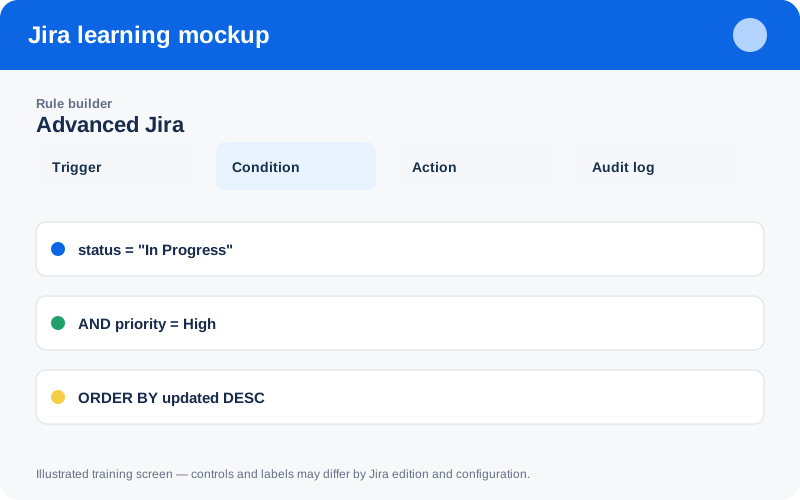
Illustrated training screen. Jira labels and controls can differ between Cloud, Data Center, company-managed, and team-managed projects.
Step-by-step
- Search for an existing standard/custom field before creating another.
- Define field purpose, owner, type, allowed values, and project/work-type context.
- Build JQL incrementally and validate result samples.
- Save with a clear name, description, owner, and restricted sharing.
- Use subscriptions only when recipients can act on the results.
Worked example
Example JQL:
project = WEB
AND status = "In Progress"
AND priority in (High, Highest)
ORDER BY updated ASC
This surfaces high-priority aging work for review.
Practice task
Recreate the example in a sandbox project, record what you changed, and explain which team decision the configuration supports. Never experiment with production permissions, workflows, or automation without an approved change plan.
Knowledge check
Answer every question correctly to complete this chapter.
0 of 10 checks passed
Your progress is saved on this device.