Lesson content
Read, practise, then check your understanding
Jira Cloud is managed by Atlassian and receives continuous platform updates. Jira Data Center is self-managed for organizations needing infrastructure control. Current Jira uses company-managed and team-managed terminology; older material may call these classic and next-gen.
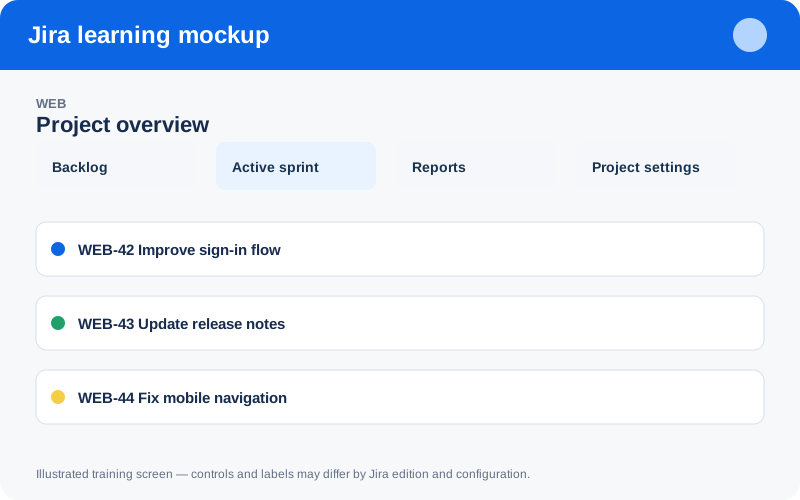
Illustrated training screen. Jira labels and controls can differ between Cloud, Data Center, company-managed, and team-managed projects.
Step-by-step
- Choose Cloud or Data Center from compliance, operations, integration, and update needs.
- Select a project template matching Scrum, Kanban, business work, or service management.
- Choose company-managed for shared governance or team-managed for local autonomy.
- Set a short durable project key, clear name, lead, and default assignee.
- Invite a small pilot group and verify browse/create/edit permissions before migration.
Worked example
Example: create WEB — Customer Website as a company-managed Scrum project when several teams must share fields and workflows. Use a sandbox before changing production configuration.
Practice task
Recreate the example in a sandbox project, record what you changed, and explain which team decision the configuration supports. Never experiment with production permissions, workflows, or automation without an approved change plan.
Knowledge check
Answer every question correctly to complete this chapter.
0 of 10 checks passed
Your progress is saved on this device.