Lesson content
Read, practise, then check your understanding
A Jira project is a boundary for related work, configuration, and access. Software, business, and service projects offer different defaults. Team-managed projects simplify local setup; company-managed projects support centralized schemes and cross-project consistency.
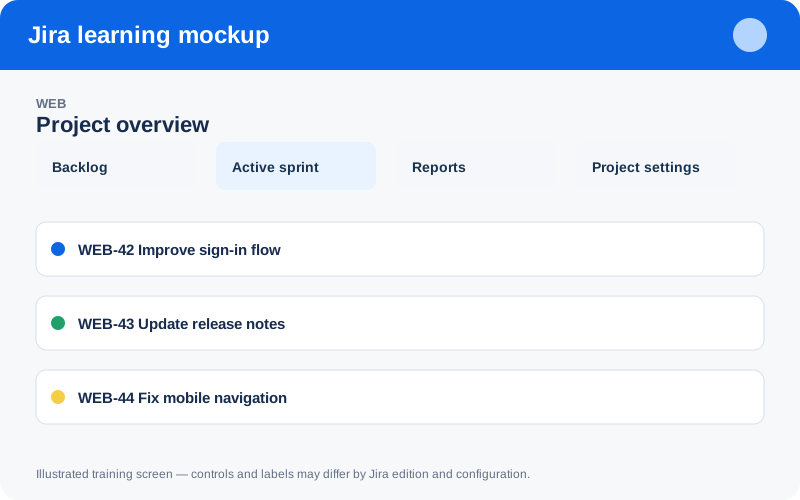
Illustrated training screen. Jira labels and controls can differ between Cloud, Data Center, company-managed, and team-managed projects.
Step-by-step
- Define the product, service, or operational boundary the project represents.
- List teams, stakeholders, reporting needs, and expected work types.
- Select the closest template instead of building everything from zero.
- Decide whether configurations must be shared across projects.
- Document ownership, naming, archival, component, and version conventions.
Worked example
Example: avoid one project per short initiative if the same product team and workflow continue. Use epics, versions, or components within a stable product project where that improves reporting continuity.
Practice task
Recreate the example in a sandbox project, record what you changed, and explain which team decision the configuration supports. Never experiment with production permissions, workflows, or automation without an approved change plan.
Knowledge check
Answer every question correctly to complete this chapter.
0 of 10 checks passed
Your progress is saved on this device.