Lesson content
Read, practise, then check your understanding
Global permissions affect the Jira site. Permission schemes map project actions—browse, create, edit, transition, administer—to users, groups, or project roles. Roles are reusable responsibilities whose membership differs per project.
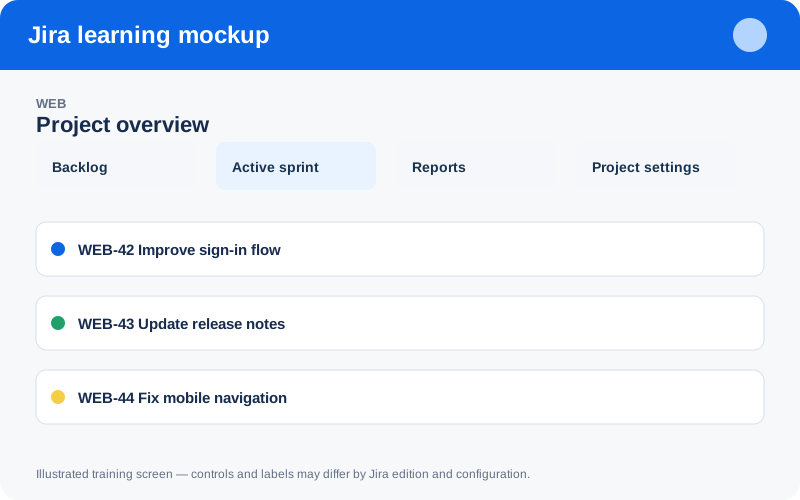
Illustrated training screen. Jira labels and controls can differ between Cloud, Data Center, company-managed, and team-managed projects.
Step-by-step
- List personas such as contributor, viewer, product owner, and administrator.
- Map each required action to the narrowest project role.
- Assign people or groups to roles instead of naming individuals inside schemes.
- Test access with representative non-admin accounts.
- Review external users, inactive accounts, and elevated permissions regularly.
Worked example
Example: grant Browse Projects to a project role and add the appropriate group to that role. Avoid broad anonymous access or giving every contributor project-administration rights.
Practice task
Recreate the example in a sandbox project, record what you changed, and explain which team decision the configuration supports. Never experiment with production permissions, workflows, or automation without an approved change plan.
Knowledge check
Answer every question correctly to complete this chapter.
0 of 10 checks passed
Your progress is saved on this device.