Lesson content
Read, practise, then check your understanding
A Jira automation rule begins with a trigger, evaluates conditions, and performs actions. Smart values read contextual data. Rules can update fields, assign work, notify, create linked items, or synchronize processes, but uncontrolled rules can loop or hide ownership.
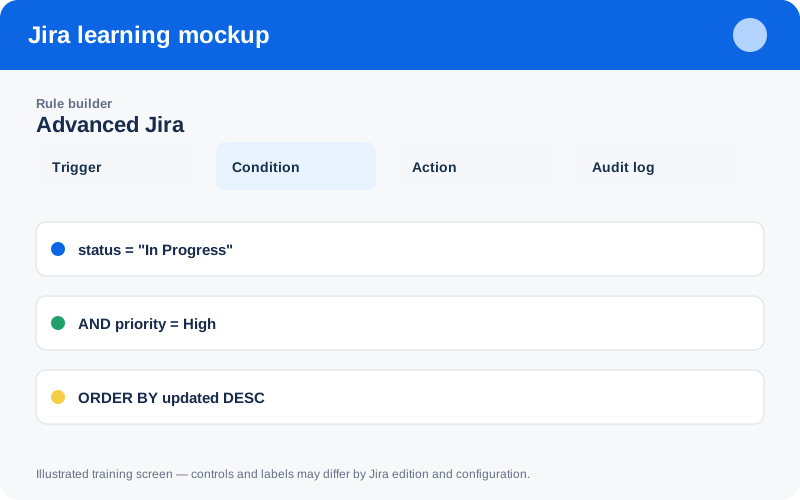
Illustrated training screen. Jira labels and controls can differ between Cloud, Data Center, company-managed, and team-managed projects.
Step-by-step
- Write the rule's business outcome and owner.
- Select the narrowest trigger and project scope.
- Add conditions before expensive or destructive actions.
- Configure actions with explicit smart-value fallbacks.
- Test sample items, inspect the audit log, then monitor volume and failures.
Worked example
Example: when a high-priority bug enters In Progress, notify the incident channel and set a review due date. Add a condition preventing the rule from reacting to its own updates.
Practice task
Recreate the example in a sandbox project, record what you changed, and explain which team decision the configuration supports. Never experiment with production permissions, workflows, or automation without an approved change plan.
Knowledge check
Answer every question correctly to complete this chapter.
0 of 10 checks passed
Your progress is saved on this device.