Lesson content
Read, practise, then check your understanding
Good Jira design makes important work and decisions visible with minimal maintenance. The tool should support the team's delivery system rather than dictate it. Prefer shared meanings, simple workflows, accurate ownership, and metrics used for learning.
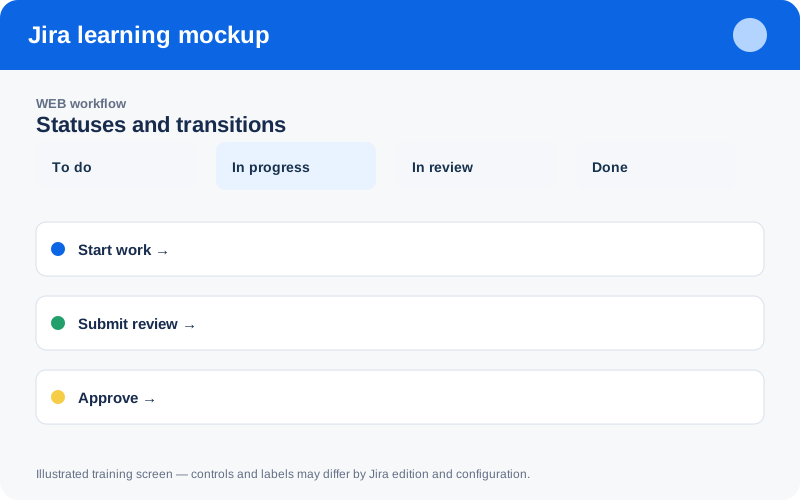
Illustrated training screen. Jira labels and controls can differ between Cloud, Data Center, company-managed, and team-managed projects.
Step-by-step
- Publish naming conventions for projects, boards, filters, versions, and components.
- Keep workflows small and define entry/exit policies for every status.
- Use templates for summaries, descriptions, bugs, and acceptance criteria.
- Schedule configuration, permission, automation, and stale-work reviews.
- Retrospect on whether Jira improves flow, collaboration, and outcomes.
Worked example
Example naming: WEB — Delivery Board, WEB — Open Customer Bugs, and versions such as 2026.08. Archive unused artifacts and assign owners to shared filters/automation so knowledge survives team changes.
Practice task
Recreate the example in a sandbox project, record what you changed, and explain which team decision the configuration supports. Never experiment with production permissions, workflows, or automation without an approved change plan.
Knowledge check
Answer every question correctly to complete this chapter.
0 of 10 checks passed
Your progress is saved on this device.