Software Engineering
AI-Powered Code Review for Developer Workflows
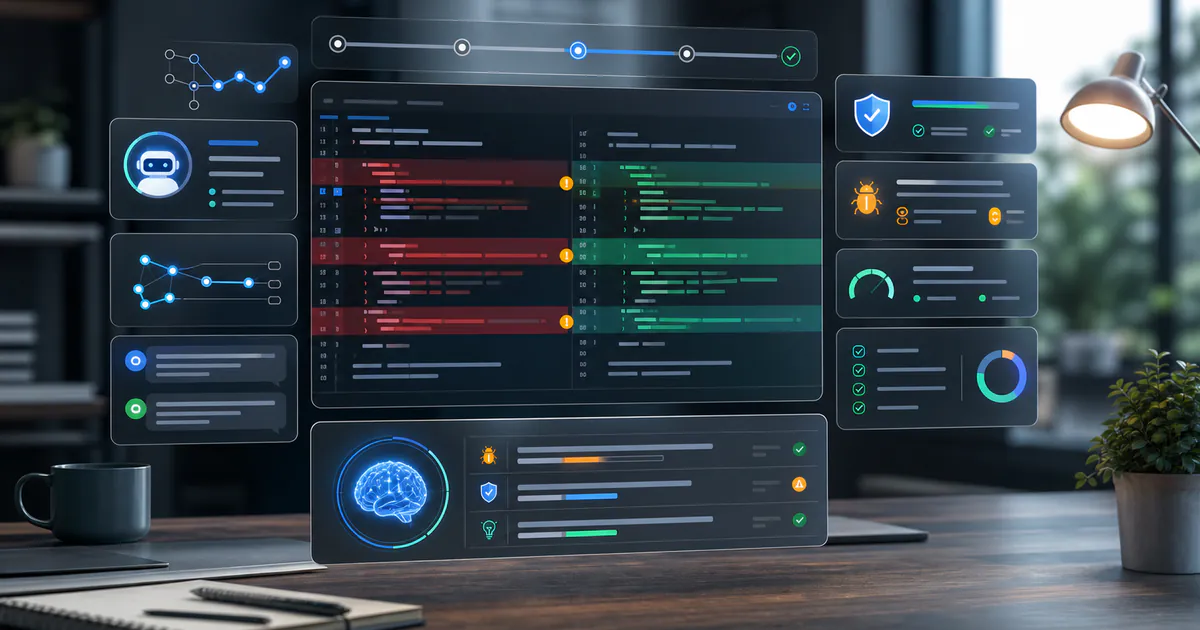
AI-powered code review is changing how developers prepare and review pull requests. It can spot risky changes, explain unfamiliar code, suggest tests, identify security issues, and enforce team conventions. Used well, it reduces review fatigue and gives human reviewers more time for architecture, product behavior, and maintainability.
AI review should not replace human ownership. It should act like a fast assistant that catches common problems before the pull request reaches teammates. The developer remains responsible for correctness, security, and final judgment.
Where AI Code Review Helps
AI is useful when the feedback is specific, repeatable, and tied to code context.
Strong use cases include:
- Detecting missing null checks or edge cases.
- Suggesting tests for changed behavior.
- Explaining large diffs.
- Finding potential security concerns.
- Checking style and naming conventions.
- Summarizing pull requests for reviewers.
Weak use cases include vague comments, broad architectural decisions without context, or automatic changes that no one reads.
Add AI Before Human Review
The best workflow runs AI checks before a teammate spends time reviewing. That keeps the first human pass focused.
name: ai-review
on: [pull_request]
jobs:
  review:
    runs-on: ubuntu-latest
    steps:
      - uses: actions/checkout@v4
      - run: npm ci
      - run: npm run lint
      - run: npm test
AI review can sit beside linting, tests, and static analysis. It should report useful findings without blocking every pull request by default.
Security Feedback
AI tools can help identify risky patterns, such as unsafe input handling, missing authorization, hardcoded secrets, and insecure dependencies. This is especially valuable for teams without dedicated security reviewers on every change.
Examples to watch:
- API routes that trust client input.
- Database queries built from raw strings.
- Admin actions without role checks.
- Secrets accidentally committed.
- File uploads without validation.
Security feedback should include why the issue matters and how to fix it.
Test Suggestions
One of the best uses of AI-powered code review is test generation. The tool can inspect a diff and suggest missing cases.
Useful prompts include:
- "What edge cases changed in this pull request?"
- "Which existing tests should be updated?"
- "Suggest unit tests for the new validation logic."
- "What integration path could fail in production?"
The developer should still write or approve the tests. AI suggestions are starting points.
Reduce Noise
Noisy AI review becomes easy to ignore. Tune the system so it comments only when there is clear value.
Good review rules:
- Avoid repeating lint errors.
- Prefer fewer, higher-confidence comments.
- Include file and line references.
- Explain impact, not just style.
- Let developers dismiss false positives.
Human trust is the most important metric.
Human Review Still Matters
AI can find patterns, but people understand tradeoffs. A human reviewer can ask whether the feature solves the right problem, whether the architecture fits future work, and whether the user experience is clear. That kind of judgment depends on product context, team history, and operational knowledge.
The strongest workflow combines both:
- AI checks routine risks before review.
- Developers clean up obvious issues early.
- Human reviewers focus on behavior and maintainability.
- Teams update review rules when false positives appear.
This balance keeps pull requests moving without turning review into a rubber stamp.
Related Reading
- Cybersecurity for Developers Secure Coding Guide
- DevOps Automation Tools for Modern Delivery
- AI Coding Assistants for Faster, Safer Development
Final Thoughts
AI-powered code review is strongest when it protects developer attention. Use it to catch routine issues early, suggest tests, highlight security risks, and summarize complex changes. Keep humans responsible for judgment, and let AI handle the repetitive first pass.
Keep reading
Related blogs

AI and Machine Learning
AI Coding Assistants for Faster, Safer Development
Use AI coding assistants to improve developer productivity, testing, refactoring, documentation, security, and code quality without losing human control.
Read related article
Software Engineering
Future of Full-Stack Development in 2026
Explore the future of full-stack development with AI copilots, serverless, edge apps, type-safe APIs, cloud platforms, automation, and product teams in 2026.
Read related article
Web Development
AI in Next.js Development for Modern React Apps
Learn how AI in Next.js development improves React apps with server components, edge functions, automation, smarter UX, and full-stack delivery in 2026.
Read related article
AI and Machine Learning
AI in Healthcare: A Developer's Guide to Safe Systems
Build safer AI in healthcare with clinical validation, privacy, interoperability, human oversight, bias testing, monitoring, and responsible deployment.
Read related article
AI and Machine Learning
Generative AI Architecture for Production Apps
Build production generative AI apps with secure LLM gateways, prompt management, observability, evaluation, caching, and scalable deployment patterns.
Read related article