Health and wellness marketplace
Admin Panel — Health & Wellness Marketplace
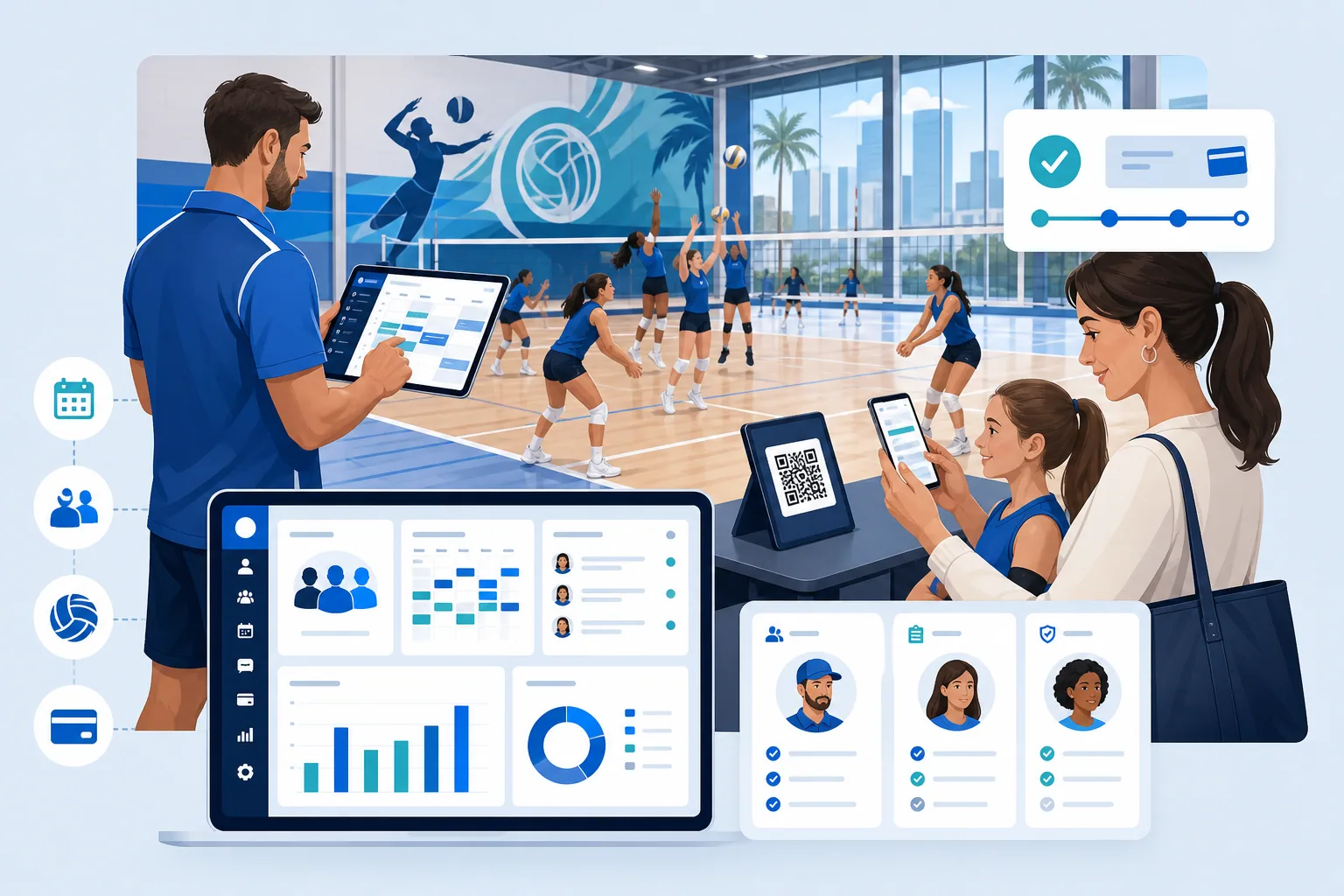
A secure operations dashboard for managing users, professionals, bookings, content, payments, reports, access control, and audit activity.
- Location
- Global delivery
- Status
- Completed
Project Overview
The Admin Panel serves as the centralized control system of the Health & Wellness Marketplace Application, empowering platform administrators and business operators to manage every critical aspect of the ecosystem efficiently.
Designed for scalability, usability, and performance, the admin dashboard provides a single interface through which authorized personnel can monitor user activities, onboard wellness professionals, manage bookings, moderate content, handle payments, and gain insights through analytics — all within a secure, role-based framework.
🧭 Purpose and Objectives
The Admin Panel was developed with three major goals in mind:
-
Operational Efficiency Provide a unified system to handle user and professional management, bookings, and financial transactions with ease. Every action—from approving a new trainer profile to refunding a failed transaction—is performed instantly and securely.
-
Data Transparency & Decision Support Offer actionable insights through real-time dashboards and analytics. Metrics like active users, completed sessions, total revenue, and service ratings help administrators identify trends and optimize performance.
-
Security & Compliance Manage sensitive user and payment data securely with strong authentication, encryption, and access controls. Each admin action is logged for accountability and audit purposes.
⚙️ Key Functional Modules
The Admin Panel consists of multiple modules that serve specific administrative functions. Each module is accessible through the main sidebar, with access managed by role-based permissions.
1. Dashboard
A real-time overview of platform activity:
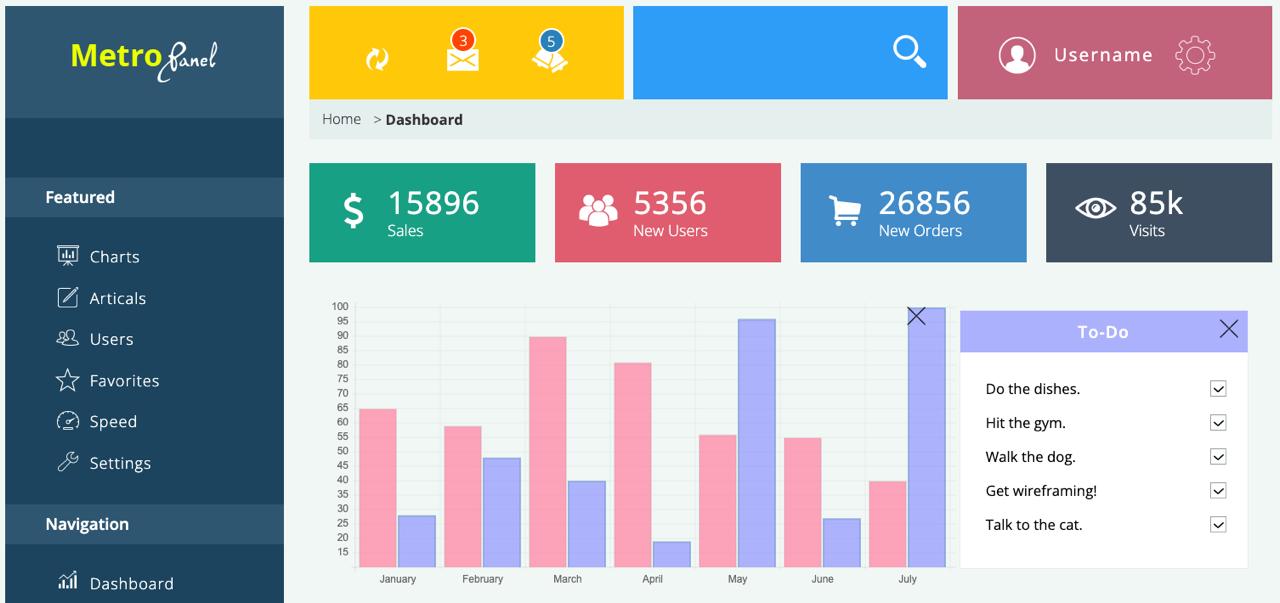
- Displays charts for user growth, bookings, and revenue.
- Provides summary widgets for performance tracking.
- Includes recent activity logs for transparency.
2. User Management
Complete control over customer profiles:
- Search, filter, and view user information.
- Suspend, restore, or reset passwords.
- Access booking history and wallet data.
- Send promotional notifications directly.
3. Professional Management
Handles onboarding and verification of wellness professionals:
- Approve or reject professional applications.
- Verify submitted certificates and IDs.
- Assign professionals to service categories (Yoga, Nutrition, etc.).
- Monitor ratings, earnings, and service history.
4. Booking & Transaction Management
Centralized view of all bookings and payments:
- Track booking lifecycle from “Pending” to “Completed.”
- Issue refunds and monitor payment gateway statuses.
- Analyze transaction trends and reconcile failed payments.
5. Content & Service Moderation
Maintain platform integrity and compliance:
- Review and approve service listings and descriptions.
- Edit or delete inappropriate or misleading content.
- Enforce category-level publishing rules.
6. Promotions & Coupons
Empower marketing teams with flexible promotions:
- Create coupon codes and discount campaigns.
- Define expiry dates, usage limits, and target users.
- Analyze campaign performance via analytics dashboards.
7. Reports & Analytics
Comprehensive reporting tools for business intelligence:
- Generate daily, weekly, or monthly summaries.
- Export data as CSV or PDF for external review.
- Identify top-performing professionals and services.
- Visualize engagement across locations and categories.
8. Role-Based Access & Permissions
Access control built on RBAC (Role-Based Access Control) principles:
- Super Admin: Full system control.
- Moderator: Content and user management.
- Finance Admin: Payment operations and refunds.
- Support Staff: Restricted access for queries.
All actions are logged in an Audit Trail for monitoring and compliance.
9. Notifications & Alerts
Instant alerts for critical events:
- Payment failures, new professional signups, and flagged content.
- Delivered through in-app pop-ups, email, or SMS.
- Routed through a scalable notification service with delivery tracking.
🛠️ Technical Implementation
The Admin Panel is built as a single-page web application (SPA) with an Angular frontend and a Node.js backend. It uses MongoDB for operational data and Bootstrap for a consistent, responsive administration interface.
Frontend — Angular + Bootstrap
- Organized around focused Angular feature modules and shared services.
- Protected routes with authentication guards and role checks.
- Centralized API error handling for predictable operator feedback.
- Responsive Bootstrap tables, forms, modals, and navigation patterns.
- Reusable dashboard components for metrics and operational charts.
Backend — Node.js
- RESTful API architecture with clear route segregation.
- Authentication handled by JWT + Refresh Tokens.
- Integrated with Razorpay API for payment processing.
- Middleware-based input validation and rate limiting.
- Structured logging and health monitoring for operational support.
Database — MongoDB
- Mongoose ODM for schema definition and validations.
- Indexed queries for faster lookups in large datasets.
- Aggregation pipelines for analytics and reports.
- Replication enabled for high availability and backups.
Infrastructure
- Private object storage for documents and profile media.
- Background workers for email, export, and cleanup jobs.
- Centralized performance monitoring and audit alerts.
- Least-privilege service roles for protected resources.
🔒 Security & Performance
Security and reliability are fundamental to the Admin Panel’s design.
Security
- Encrypted data at rest and in transit (HTTPS).
- CSRF, XSS, and query-injection protection.
- Token-based authentication and session expiration.
- Admin audit logs for every CRUD operation.
- Role-level privilege management for safety and compliance.
Performance
- Precomputed MongoDB reporting collections for frequently accessed metrics.
- Lazy loading and pagination on large tables.
- API request optimization and batching for dashboards.
- Lighthouse performance score above 90 on modern browsers.
📊 Business Impact
The Admin Panel has streamlined business operations and improved efficiency across the organization:
- Reduced manual workload by 60% through automation.
- Faster professional onboarding via document verification workflows.
- Improved transparency with real-time dashboards and KPIs.
- Enhanced trust with secure data handling and traceable actions.
The intuitive design enables non-technical team members to manage operations effectively, while developers can extend the platform easily due to its modular architecture.
💡 Design Philosophy
The Admin Panel follows clean UX principles with:
- Light and dark mode options.
- Consistent typography and color palette.
- Intuitive navigation with collapsible sidebar.
- Mobile-responsive layout for tablets and laptops.
- Toast notifications and confirmation modals for user actions.
Each component was designed for reusability, using a feature-based Angular architecture and shared Bootstrap patterns that are easy to extend as business needs evolve.
🧩 Scalability & Maintenance
The system architecture supports:
- Horizontal scaling behind a managed load balancer.
- Modular microservice APIs for independent deployment.
- Environment-specific configurations for dev, test, and prod.
- Continuous Integration/Deployment (CI/CD) pipelines using GitHub Actions.
Automated test coverage includes unit tests (Jest), integration tests, and end-to-end flows (Cypress).
🚀 Future Enhancements
Planned upgrades include:
- AI-based anomaly detection in transaction data.
- Chat-based admin support assistant using NLP.
- Multi-language support for global operations.
- Advanced analytics integration with Power BI or Grafana.
- Mobile admin companion app using React Native.
🧱 Summary
The Admin Panel is not just a dashboard — it’s the command center of the entire Health & Wellness Marketplace ecosystem. From managing users to overseeing financials, moderating content, and extracting data insights, it provides the tools needed to operate efficiently, securely, and intelligently.
It is a robust, scalable, and modern control system built to evolve alongside the business.
Tech Stack: Angular, Node.js, MongoDB, Bootstrap